
What is OBS?
It’s free and open source software for screen capture and streaming, available for Windows, macOS or Linux.
Personally, I’m on Windows.
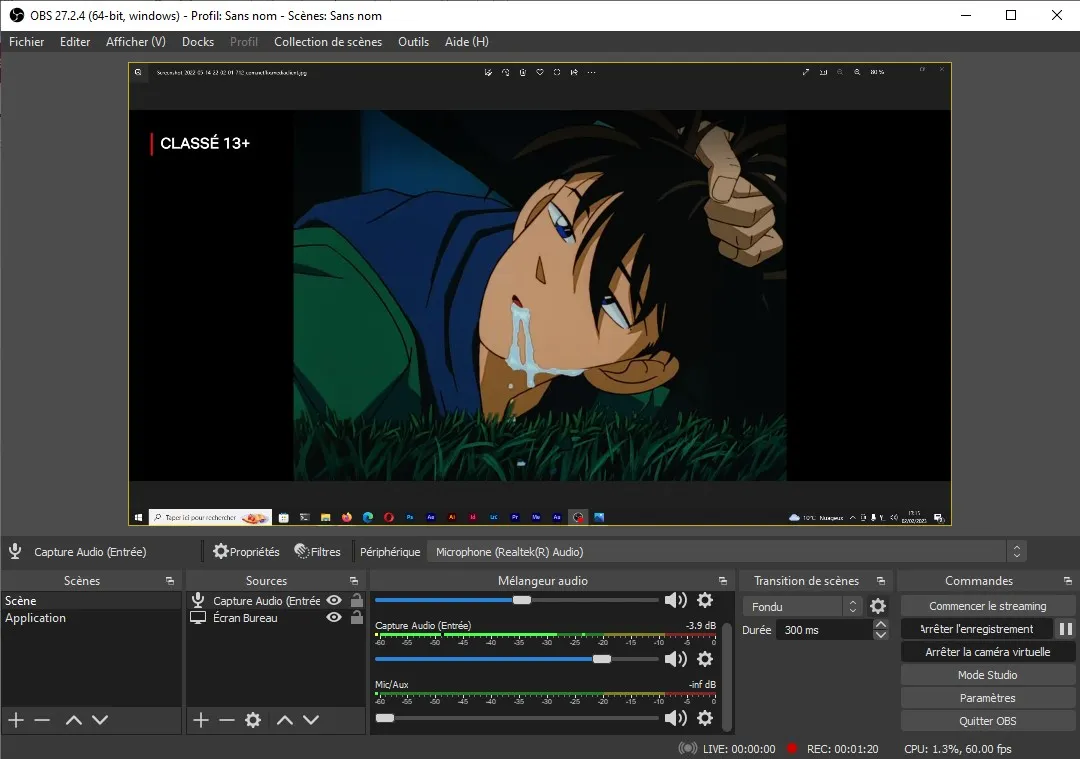
What do you mean, “configure the audio”?
There are several very useful features for recording the audio of your video, like boosting the volume of your voice, removing background crackling…
Adding our microphone in OBS
Click “More” at the bottom left.
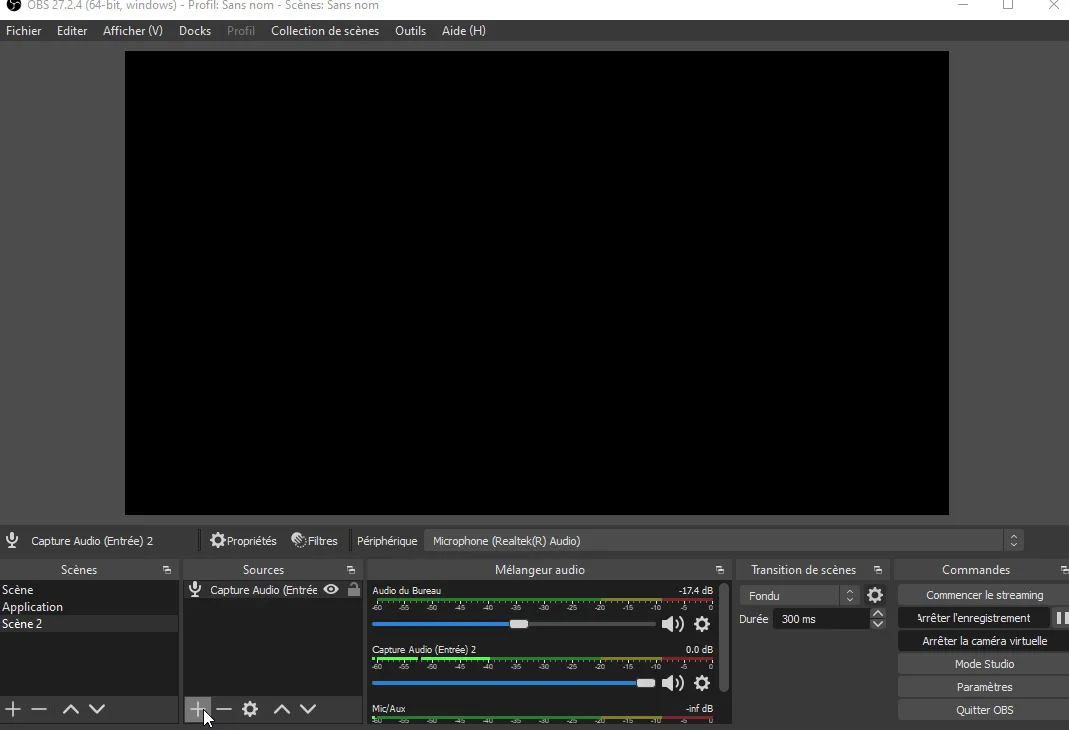
Click “Audio Input Capture”.
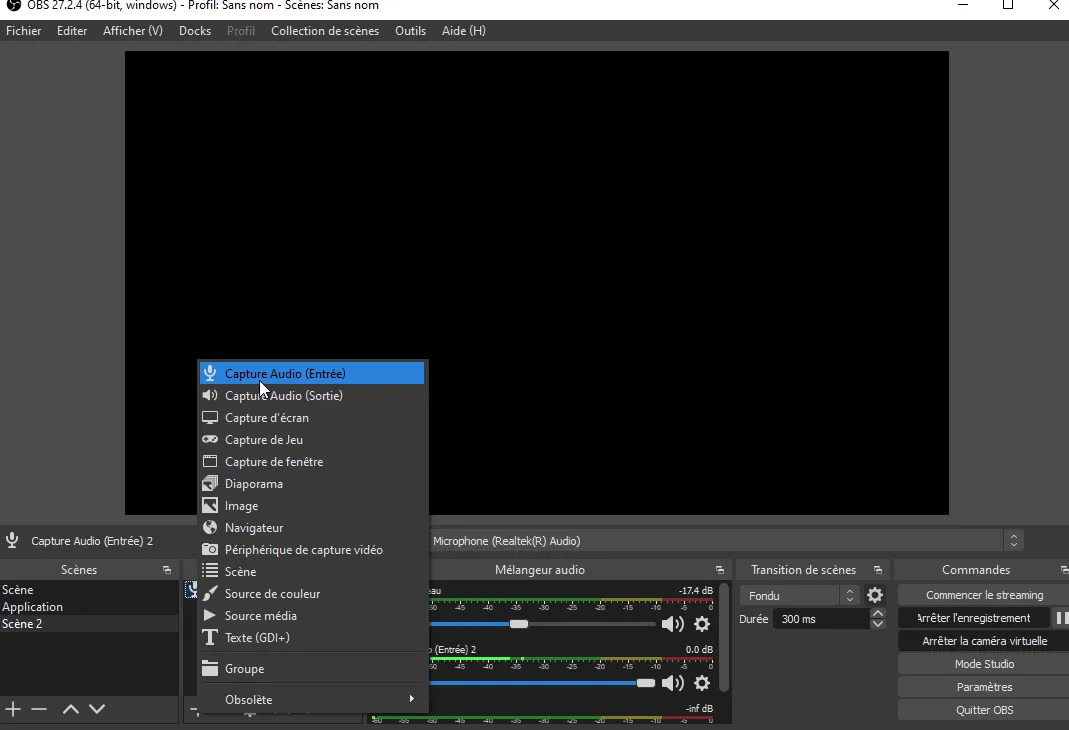
Choose whatever name you want, I leave the default one, it doesn’t really matter.
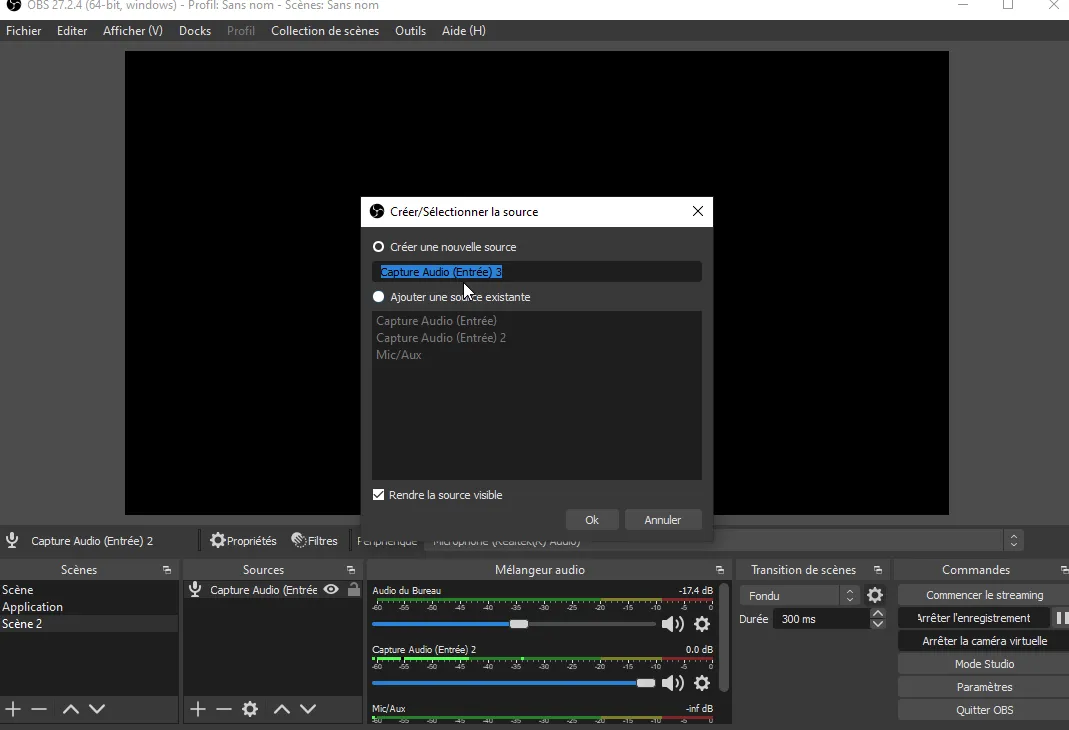
Choose your device, your microphone. For me it will be “Microphone (Realtek(R) Audio)”, yours will depend on the microphone you have.
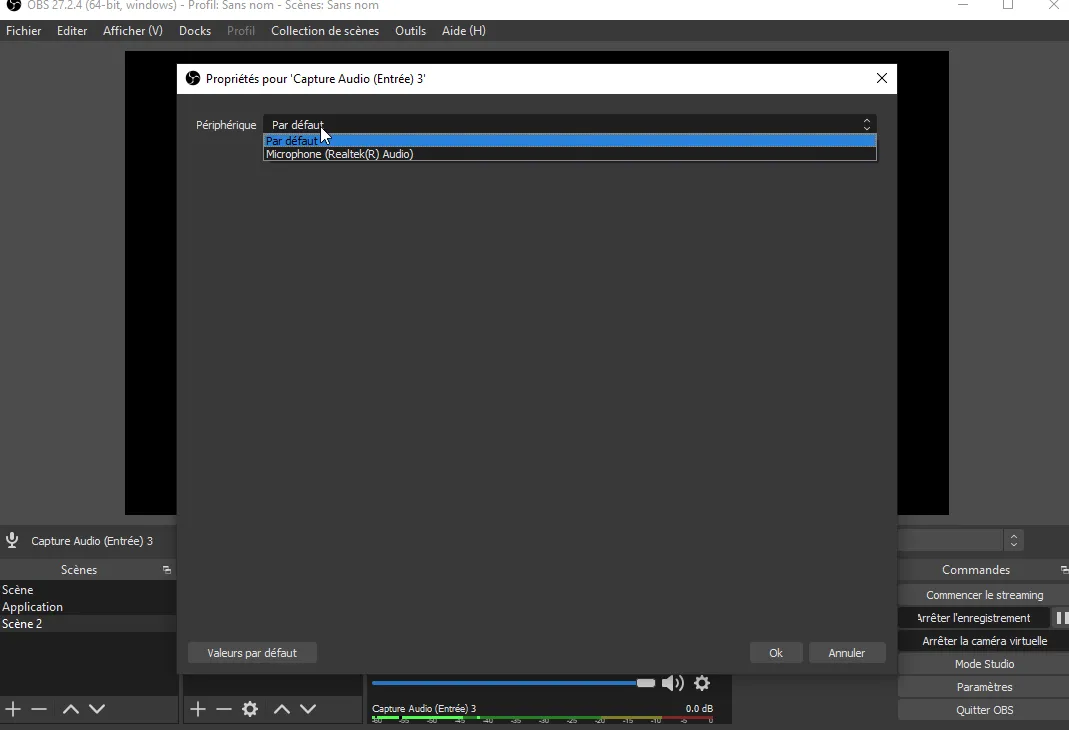
OBS microphone filters
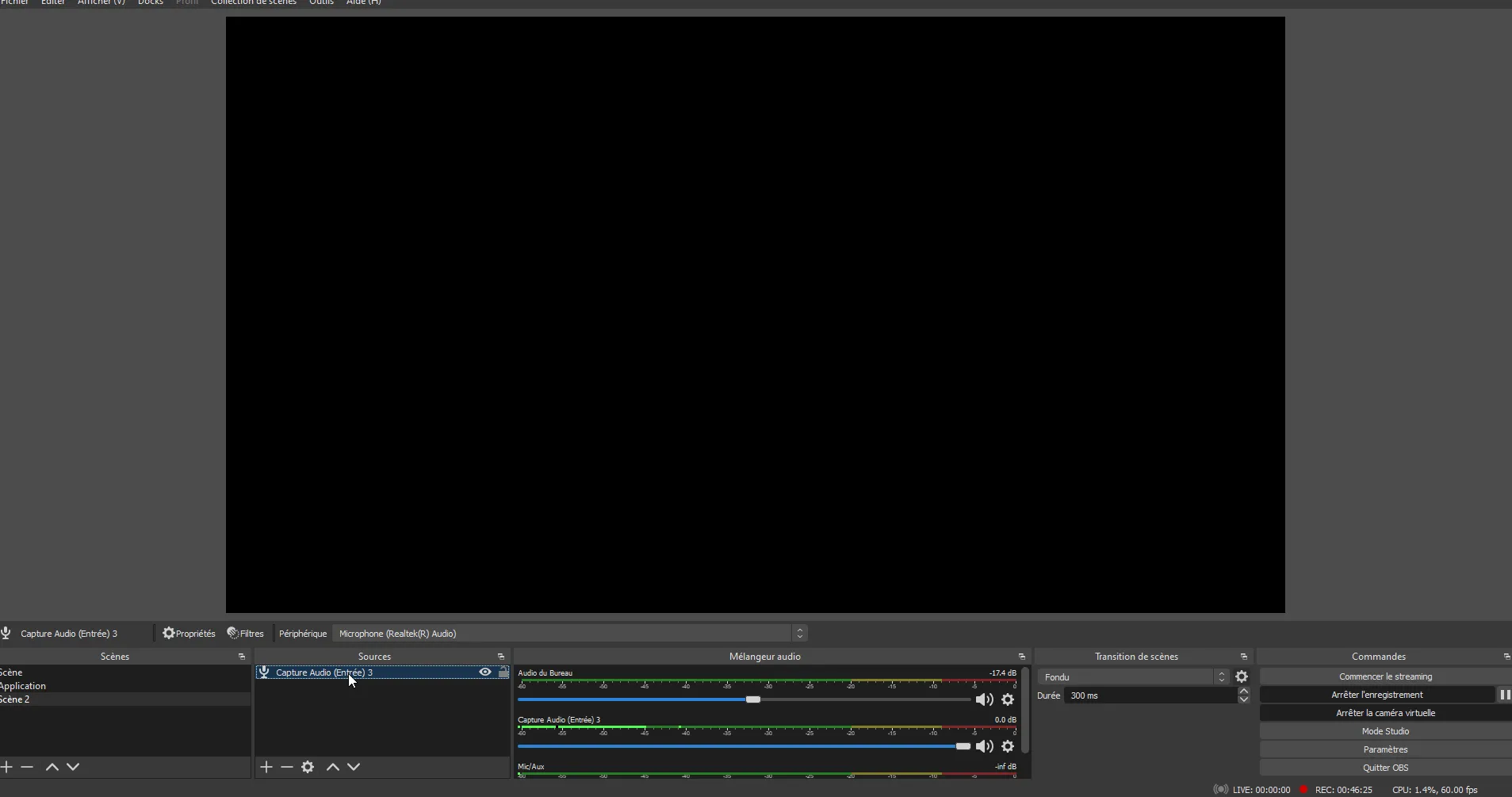
Click on your newly added microphone in the OBS Sources.
You can now access the filters.
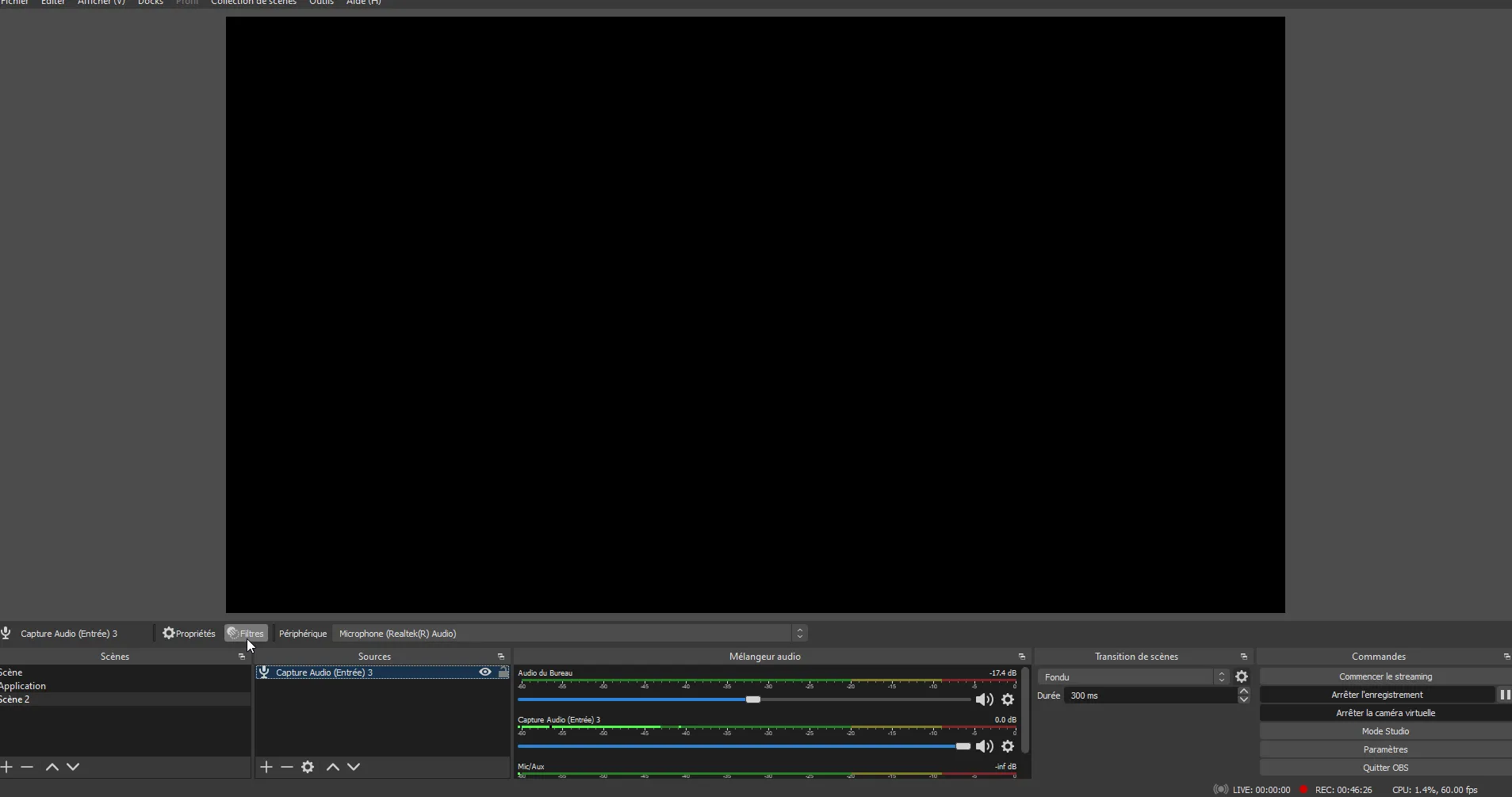
To add filters, click the “+” button at the very bottom left of the tab that appeared.
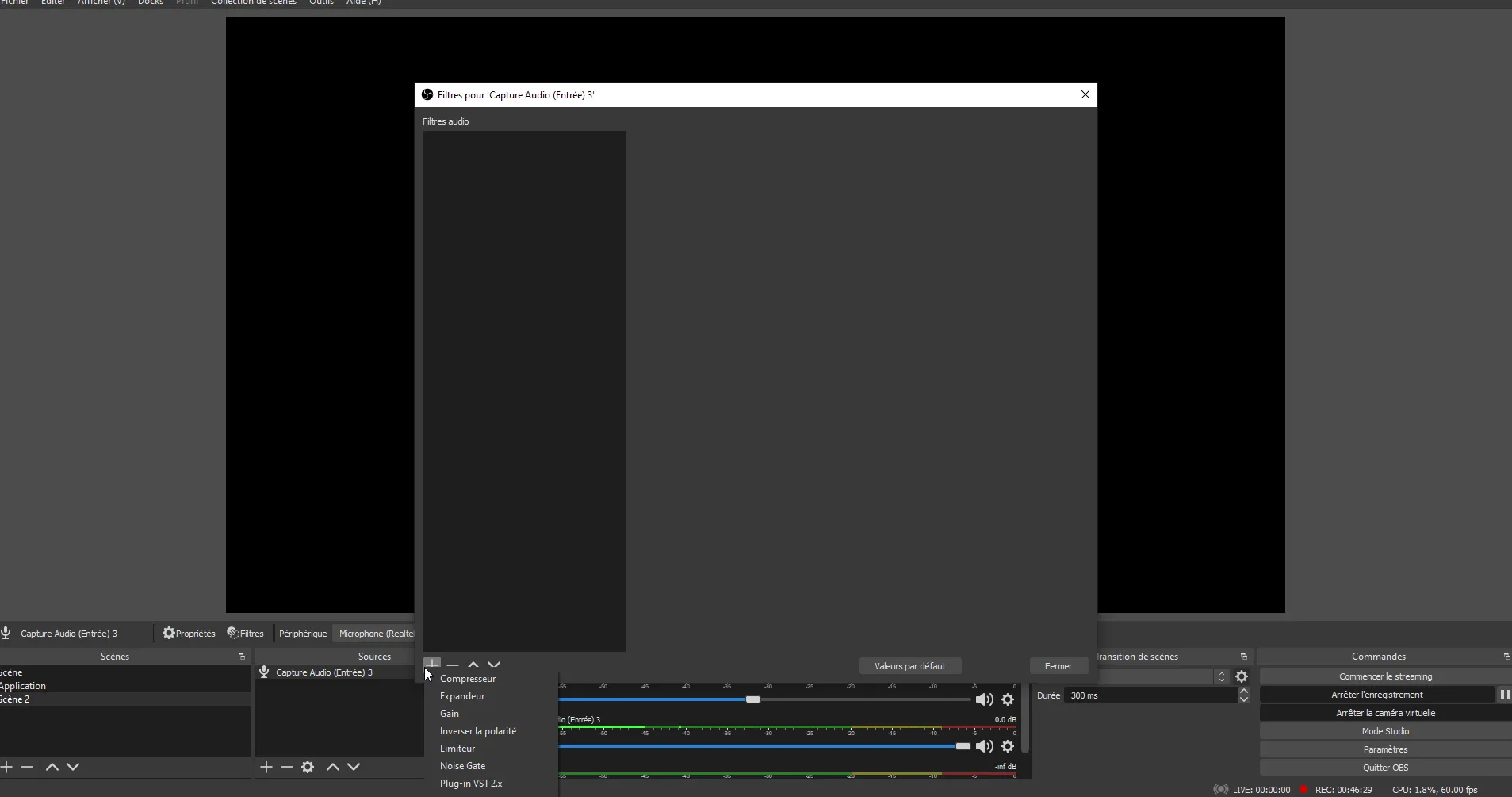
You now have access to several options.
Before going through most of these options, you should know that there’s no magic recipe, the configuration will depend on your hardware, so run some tests to find what’s best for your needs.
Gain (OBS)
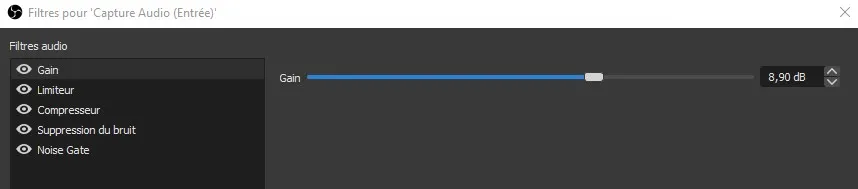
Gain gives you a louder volume; however, don’t overdo it, otherwise the audio can quickly become distorted.
Personally, I set it to 9 dB.
Limiter (OBS)
The limiter lets you set a dB “limit” for the audio.
Indeed, as we can see in the image below, the audio meter has a green, orange and red zone.
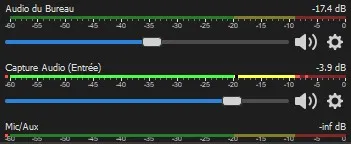
When we reach the red zone, the audio clips and becomes much worse. This can happen if we shout into the microphone for example…
Thanks to the limiter, we can prevent reaching that limit.
Personally I set a threshold of -5 dB and don’t touch the release.

Noise Gate (OBS)
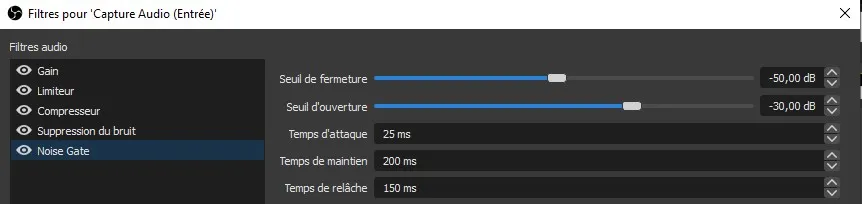
The Noise Gate lets you tell OBS “between this and that many decibels you mute the microphone, otherwise you enable it”.
Not clear enough? To put it simply, imagine your microphone is relatively close to your mouth and people can hear you breathing or other noises…
You can make sure that a faint but annoying sound like that is not picked up!
Noise Suppression (OBS)
This one is almost a must… It removes/reduces background noise.
There are two choices, Speex or RNNoise, Speex having lower quality and RNNoise having higher quality.
So I recommend RNNoise, but it depends on your needs.
