
Sometimes we want to reduce the size of our images, either because they’re too big to send or, if you have a website, for optimization for example.
So we’re going to look at a few things:
- The image dimensions
- Compression
- Conversion (if needed)
We’ll use this image as an example:

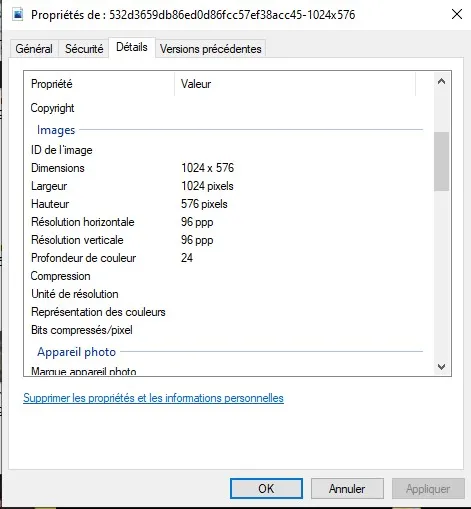
Here, the image is 1024 x 546 and weighs 140 KB.
It’s an image from Crunchyroll for the anime Made in Abyss 😉
I want to point out that all the tips in this tutorial are free and available on the web.
However, keep in mind that the owners of these sites most likely have something to gain by offering their services for free. So be careful not to upload just anything, nothing confidential.
Image dimensions
It often happens that the image is far too big for what you’re using it for.
If you have a website, keep in mind that if you have a 2000×2000 image and display it at, say, 200×200, the browser still has to download the 2000×2000 image and resize it visually.
That’s a big waste of performance, especially if your site has several images like that…
To see the image dimensions on Windows: right-click your image > Properties > Details
To resize the image, the best site for me is still Image Resizer:
https://imageresizer.com
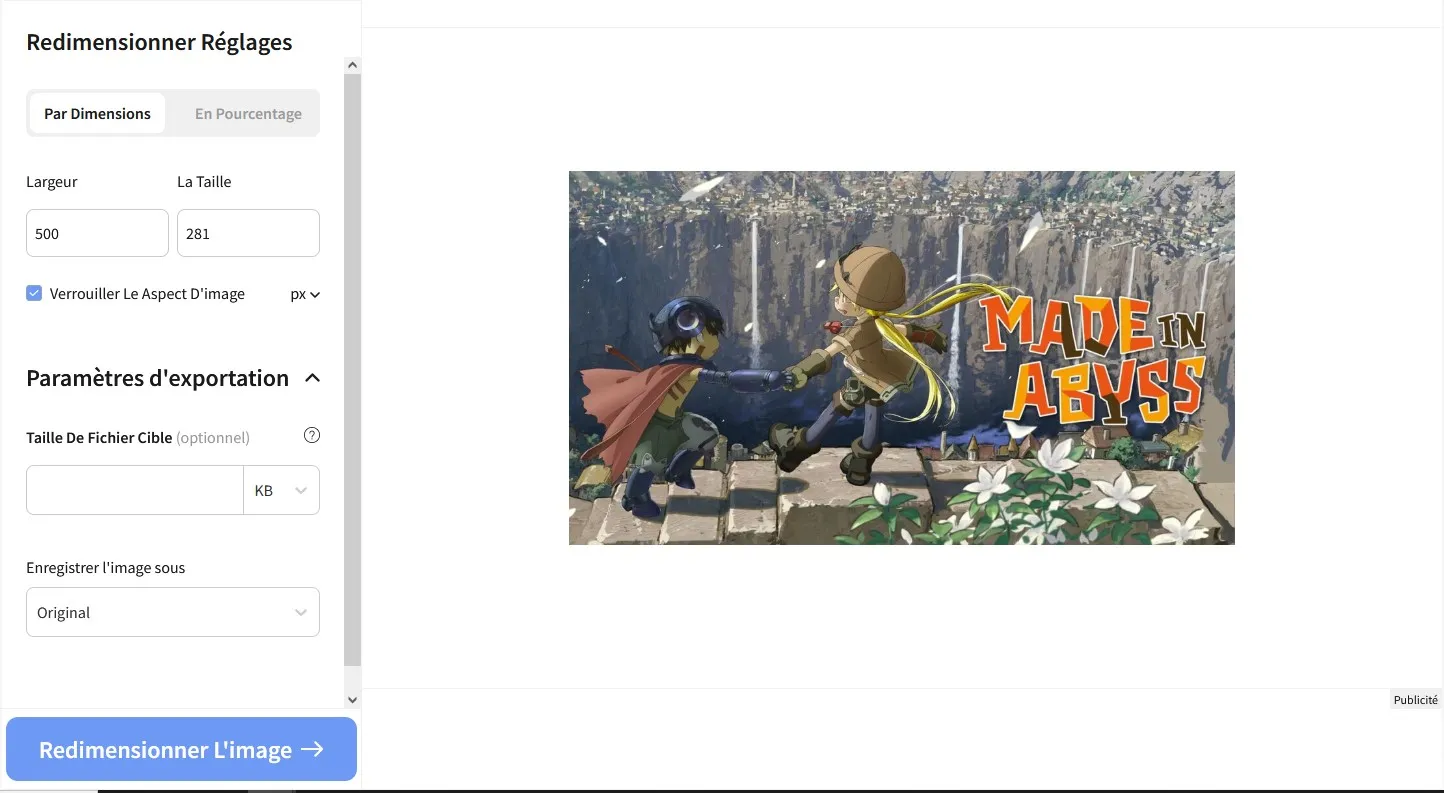
This gives us the following:

We went from 140 KB to 67 KB, so 73 KB less.
Compression
Compressing an image can be a good solution, but keep in mind that the image quality may be lower.
Some images are so high quality that our eyes can’t see everything, so compression is a good solution, otherwise they take up more space for nothing.
There are several compression levels, so it’s up to you to choose the one that suits you.
I recommend Compressor.io, it’s the best one for me.
https://compressor.io
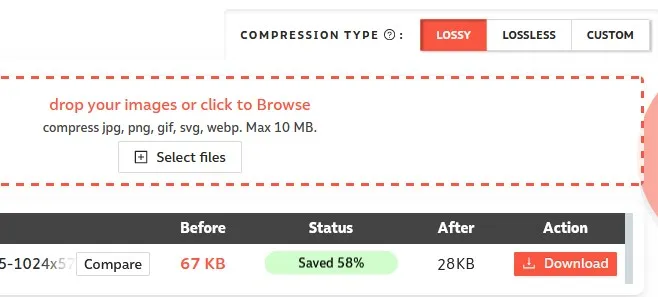
High compression, Lossy.
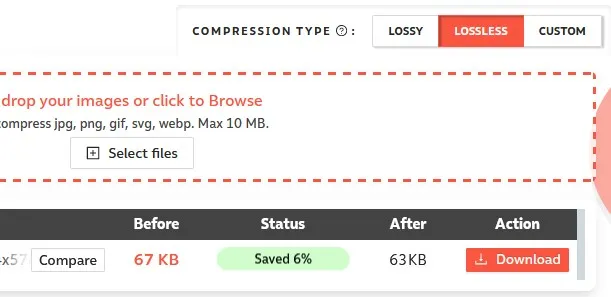
Low compression, Lossless.

28 KB

63 KB
I don’t know about you, but I can’t really see a difference here, except that the one on the left is about 2 times lighter.
Want another alternative that accepts images larger than 10 MB?
This site also seems to work well:
https://www.websiteplanet.com/fr/webtools/imagecompressor
I tested it on a 4K image and got better compression than with Compressor.io.
Conversion
This step isn’t for everyone, it’s for images meant to be used on your website for example.
There are webp files, which are more optimized than png, jpg, etc…
This format supports transparent backgrounds and can even be used for gifs!
What more could you ask for?
Personally, I use Convertio.co:
https://convertio.co/fr/jpg-webp
Yes, it says “jpg-webp” but it works with png and others too.

Well… Here the difference is minimal, 27.5 KB instead of 28 KB… Even if it’s not amazing with this example, sometimes you can see real differences of several KB, it’s up to you.

This image comes from my portfolio (remipetit.fr).
I don’t know about you but the quality doesn’t shock me, and yet, how many KB is it…?
…
0?! It’s about 980 bytes 😉
I’m nitpicking, but still, that’s crazy 😉