
Context
For one reason or another, I wanted to stop Redis so I could start it again manually instead of having it just run in the background, and so see the data flowing through my terminal, locally.
As a reminder, if you’re logged in as root, you don’t need to put “sudo” at the beginning of the commands.
Problem
By default Redis starts automatically, so it becomes impossible to run the “redis-server” command since it’s already running. You then get an error telling you the port is already in use, which makes sense.

By running the command:
sudo lsof -i :6379You can see that Redis is already there. 6379 because that’s Redis’s default port.

Trying to stop Redis with:
sudo pkill redis-serverwon’t be enough, because it will automatically restart.
Solution
You have to ask the system to stop Redis, that way it won’t restart it:
sudo systemctl stop redis
Now I can relaunch the server and see the different connections:
redis-server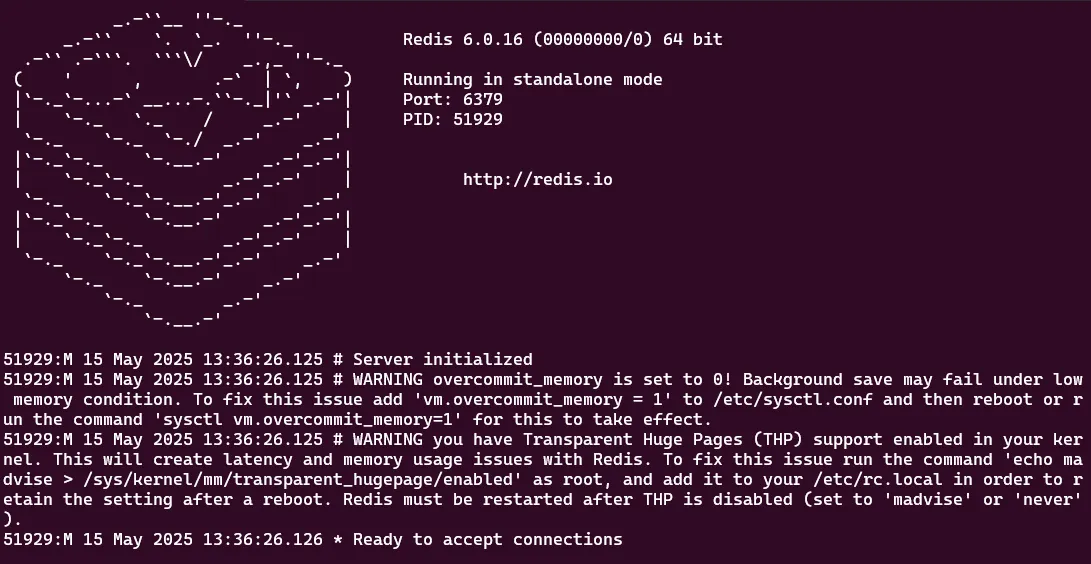
Note
Yes, I’m logged in as root. It’s a local environment, I’m on WSL so who cares.