Context
I developed a Flutter Dart project several years ago for a school. I wanted to get it running to show what it looks like on my portfolio.
But first, what is Flutter?
Flutter is an open source tool developed by Google that lets you build cross-platform applications (Android, iOS, web, Windows, Mac, Linux) from a single source code.
Problem
It’s a relative headache to install, there are even 30-minute tutorials on YouTube explaining how to do it… That’s not a criticism, thanks to those who make tutorials, it’s simply to show that it’s not that simple to install.
But I have a much faster method.
Solution
First, a warning: to save time, everything will be done on the command line. If you’ve never done it, don’t worry, it’s simple.
Windows
If you’re on Windows, we’ll use scoop.
If you don’t know it, it’s a tool made for Windows that lets you very easily install, update and remove tools, especially development tools.
Step 1
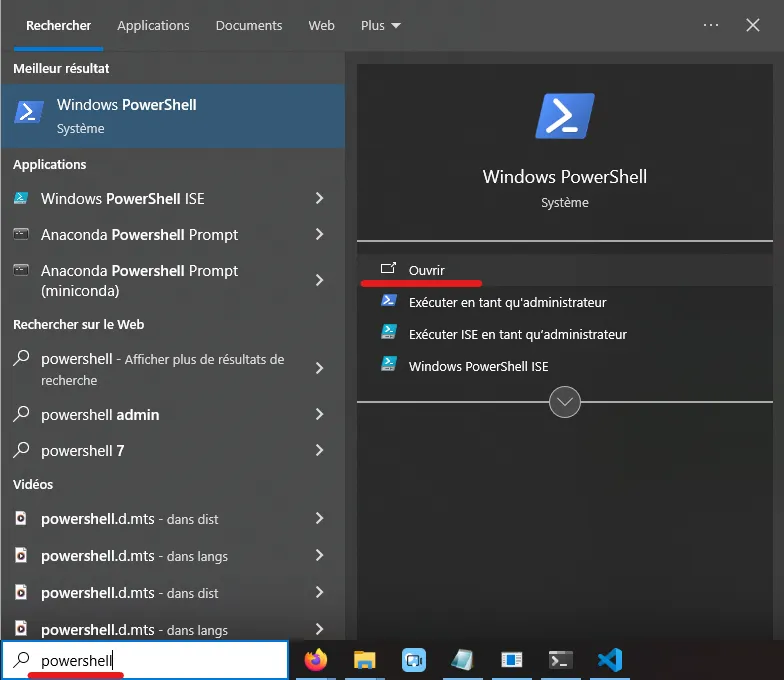
Open PowerShell (not as administrator):
Run the following commands. If they don’t work because they’ve changed, for example, go to the scoop website, it’s the first thing they show you.
Set-ExecutionPolicy -ExecutionPolicy RemoteSigned -Scope CurrentUser
Invoke-RestMethod -Uri https://get.scoop.sh | Invoke-Expression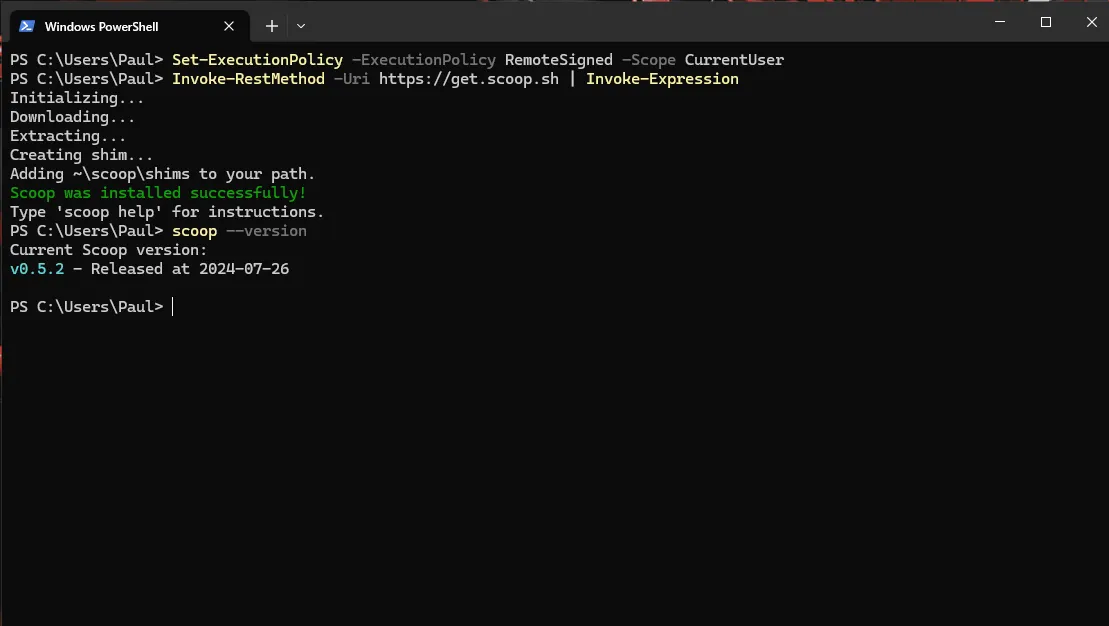
You can run scoop --version to check that it works. I told you it was fast!
Step 2
By default, scoop doesn’t have flutter in its catalog of installable tools, so you need to do this to enlarge the catalog and be able to install Flutter:
scoop bucket add extras
Step 4
All that’s left is to install Flutter:
scoop install flutter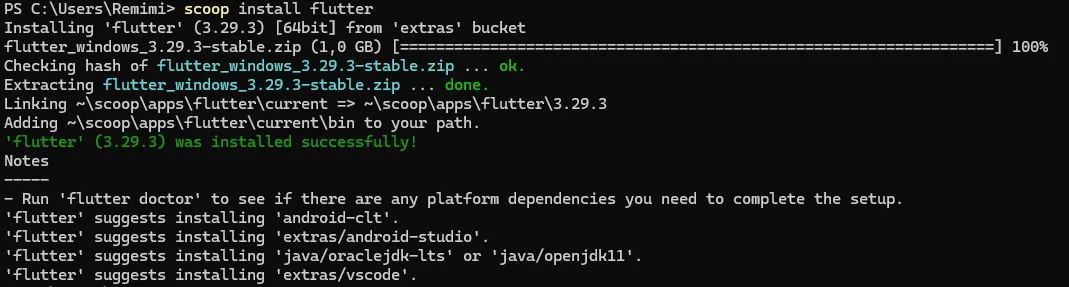
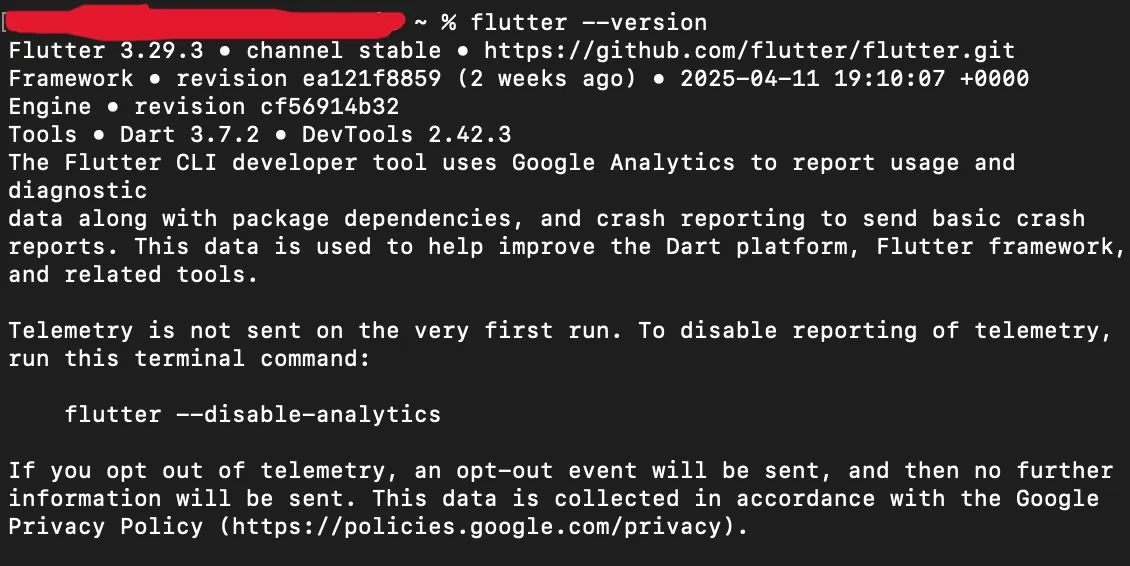
There you go, now you can run flutter --version to check that you have Flutter!
Simple, efficient.
/!\ If you had already opened VS Code before doing these steps, make sure to close all VS Code tabs and close its terminal if you had one open with it. Otherwise, it won’t update and will act as if it isn’t installed.
Linux
For Linux, we’ll install “snap” . No! Not Snapchat! Just snap, a tool similar to scoop, but for Linux, which will let us easily install various tools, including Flutter.
Step 1
/!\ If you’re logged in as an administrator (root for example) and the commands below don’t work, try removing “sudo” before each command:
/!\ You may need to run the commands **sudo apt update** and **sudo apt upgrade** if it doesn’t work.
sudo apt install snapd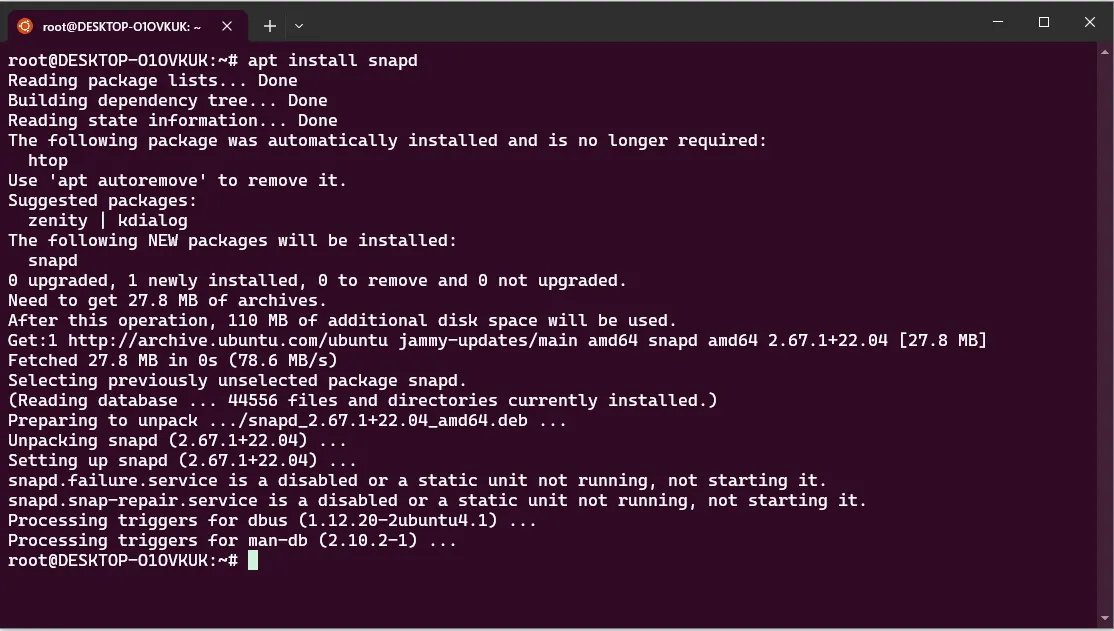
Now, if we run the command below, we should see that snap is installed:
snap --version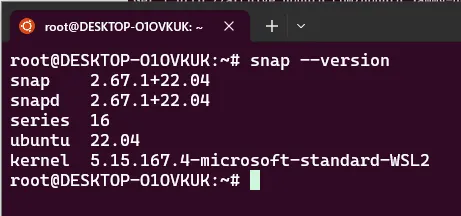
You may not get the same output as me, that’s normal. As long as the command works, you’re good.
Step 2
With this command, we’ll install Flutter:
sudo snap install flutter --classic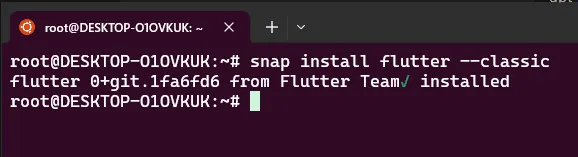
Mac
If you’re on Mac, you need to install another tool… Homebrew.
It’s roughly like the Windows or Linux tools, but for Mac.
Step 1
Go to your terminal and run this:
/bin/bash -c "$(curl -fsSL https://raw.githubusercontent.com/Homebrew/install/HEAD/install.sh)"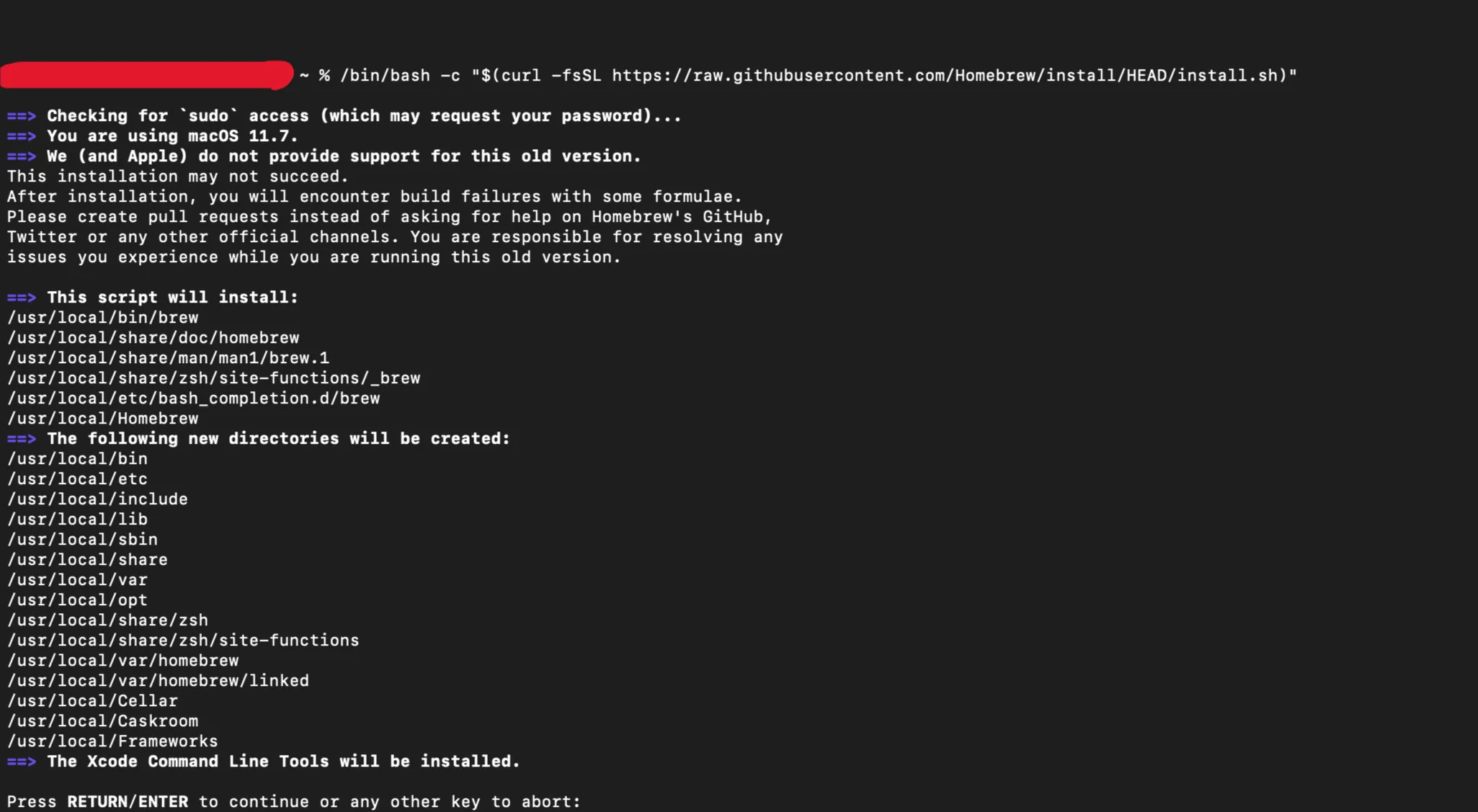
You may get a message like this, just press Enter for it to continue the installation.
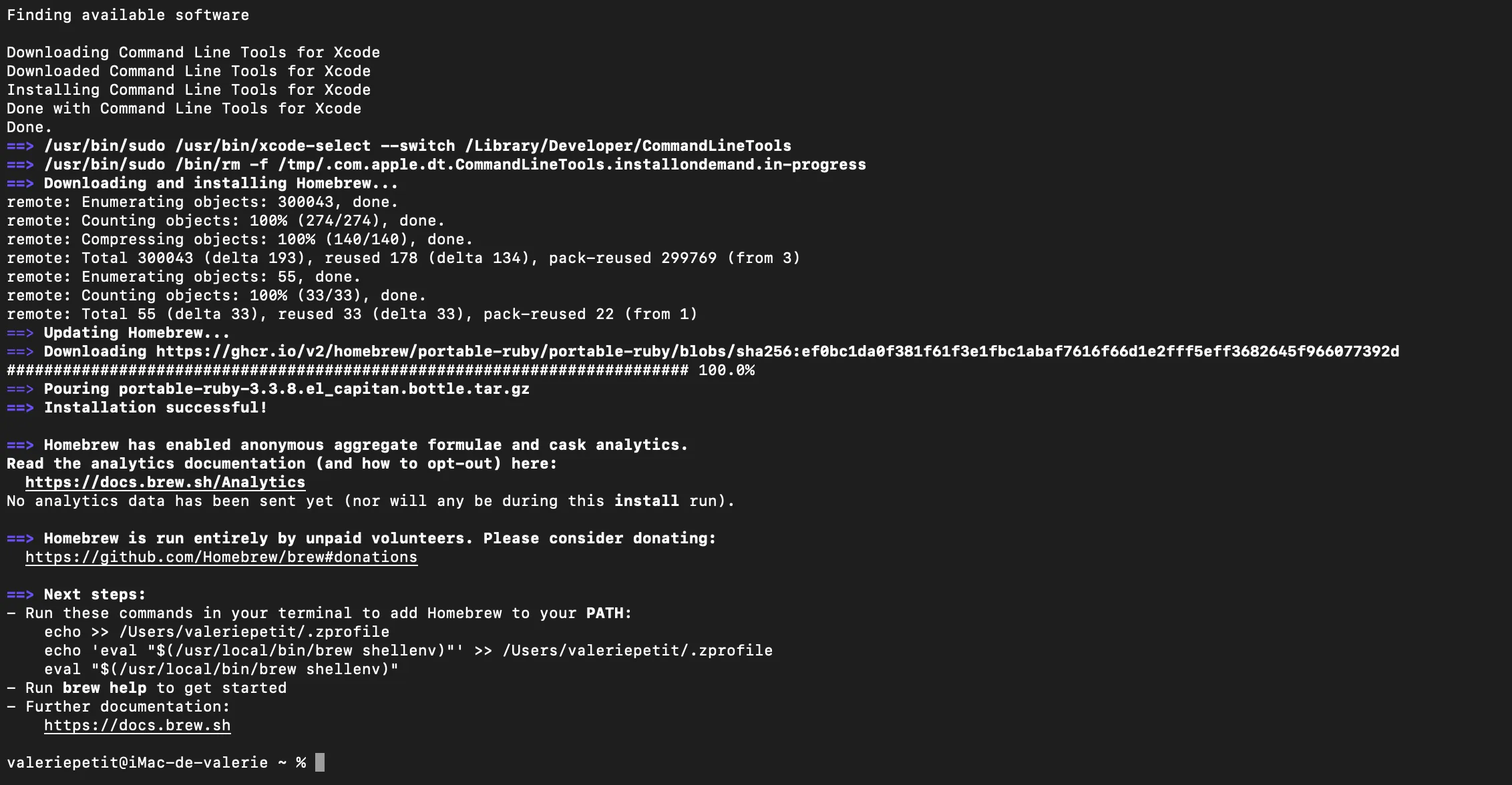
We can see that brew is installed:

Step 2
We install flutter:
brew install flutter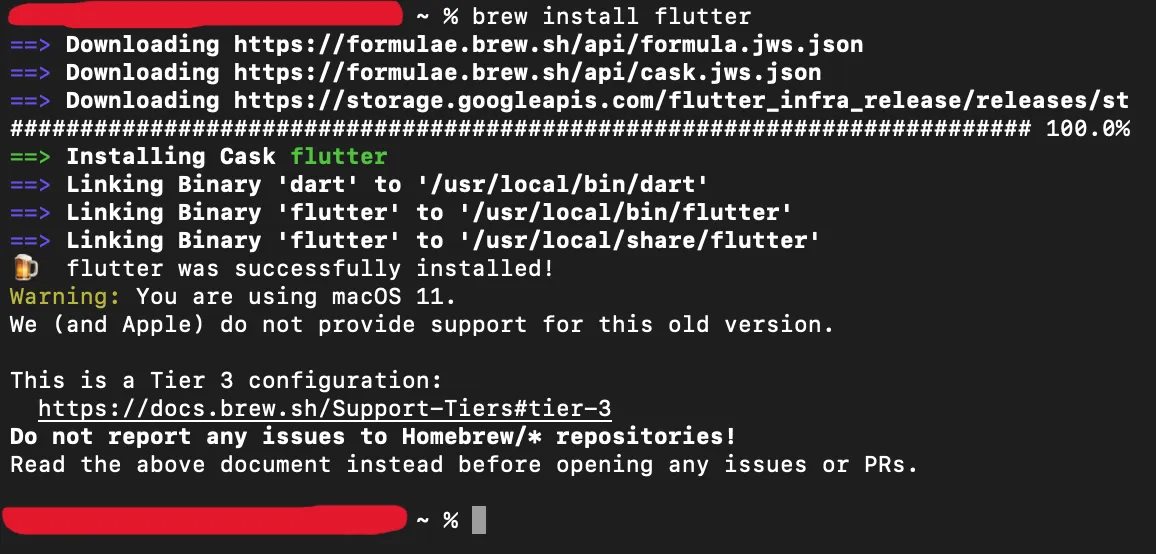
We can see that it works: