
Context
I’ve been using Jellyfin from Docker on my server for a while now.
It’s a great tool, but something frustrated me quite a bit: even if you set up a volume in the docker-compose.yml, for example, if you recreate the container, you get something like this:
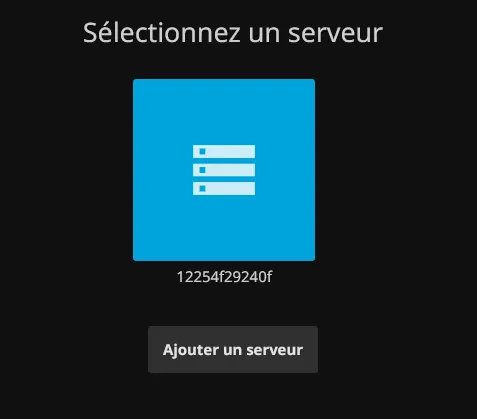
It assumes the server has changed and therefore doesn’t want to connect to it.
It’s pretty annoying because you have to press “Add server” and re-enter the server address every time.
Nothing very complicated, but I’m not the only one with access to this server, there are also friends and family, and it’s generally frustrating for them, they don’t understand why it doesn’t work.
Solution
After various attempts and some fairly tedious research, I realized the fix was actually very simple…
We get this message when the Jellyfin server’s name changes. At first I thought it came from a hidden file in the container, but no!
I found out by PURE chance, while wandering around the Portainer interface, that it’s defined by a variable at container creation and that when this variable is empty, a random name is generated.
To make it always keep the right name and not be treated as a different server every time, all I had to do was put:
version: "2.1"
services:
  jellyfin:
    image: lscr.io/linuxserver/jellyfin
    container_name: jellyfin
    hostname: le_nom_de_mon_serveur
I don’t think I was the only one in this situation, I hope this helped you.
Want to cry… 🤡