
To see the difference between a virtual machine and a container, you first need to see what they are.
VMware: Virtual machines
VMware is software for creating virtual machines, but there are others… VirtualBox, for example, which is also free, unlike VMware.
But VMware is known to be better.
So, I’ll explain very simply, even a beginner will understand, don’t worry 😉
What is a computer?
There’s the hardware side (motherboard, processor, graphics card, hard drive…) but also the software side (Windows or Linux, for example).
So… in itself it’s not impossible to put two different Windows installations on the same hardware.
You could say there are two computers instead of just one.
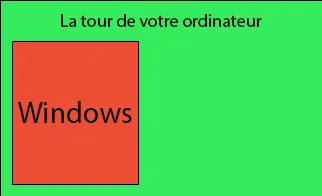
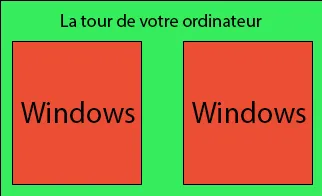
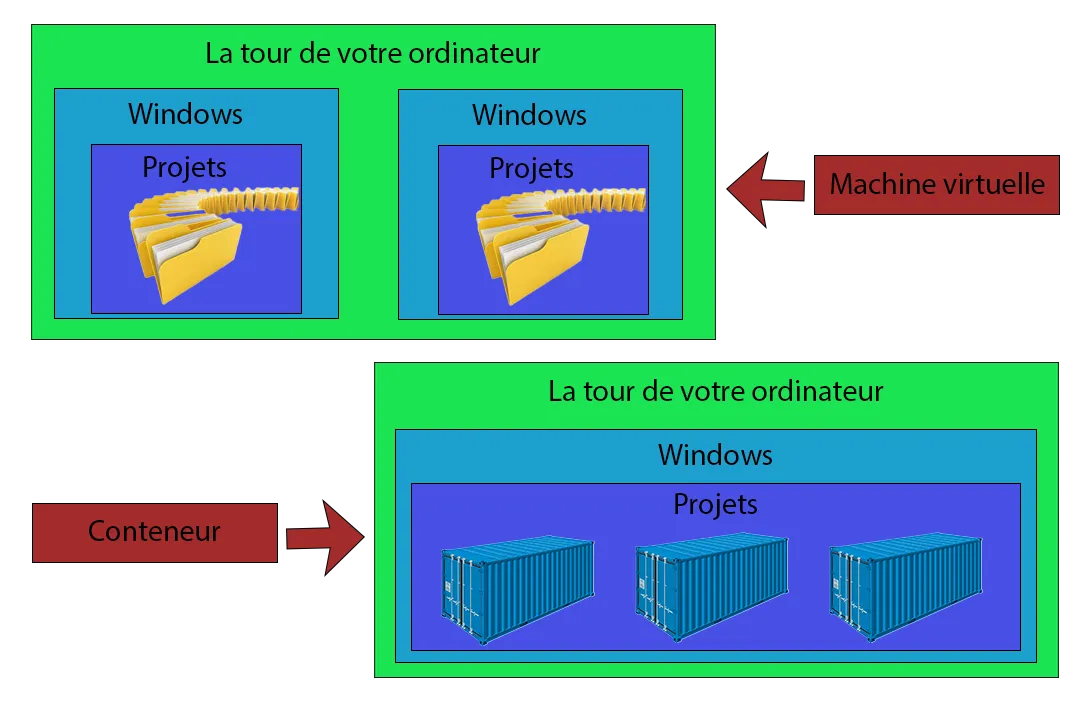
Basically, that’s what a virtual machine is: having several operating systems on the same computer.
In this example, there’s your computer running Windows and a virtual machine also running Windows.
Note that you can have as many as you want, with whatever operating system you want, within the limits of your computer of course…
**Advantages:
**
If you downloaded a virus on a virtual machine, for example, since it’s not on your real machine you’re not really at risk.
You can have several OSes (operating systems) on the same main computer.
Having Windows and Linux at the same time, for example.
Note that you can do this simply and in an optimized way with WSL2, so without going through VMware.
“https://learn.microsoft.com/fr-fr/windows/wsl/install”
**Disadvantages:
**
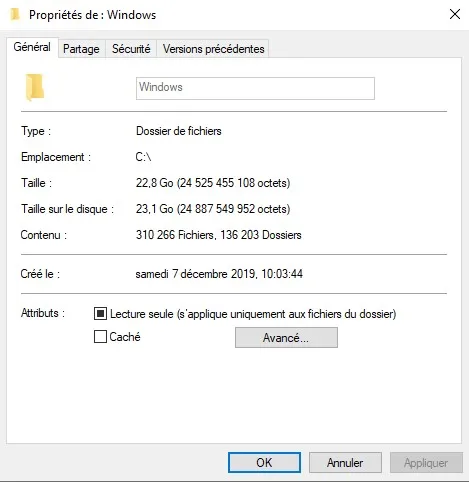
An OS takes up space, about 23 GB of storage for Windows 10 Pro.
So running several virtual machines can quickly become very demanding in terms of hard drive space.
To run a virtual machine, you need to allocate resources to it, meaning you tell it what it’s allowed to use to run.
For example, your tower has 16 GB of RAM, and you can tell it to use 8 GB.
The problem is that the resources (what you give it) it will use can’t be used by your computer as long as the virtual machine is running.
Once again, it’s resource-hungry.
Each time you launch a virtual machine, some of the components are “locked” even if the virtual machine isn’t doing anything.
Docker: Containers
Docker is the best known and most widely used!
It’s a bit harder to explain, but it’s fine.
A container isn’t like a virtual machine, everything happens on your main computer.
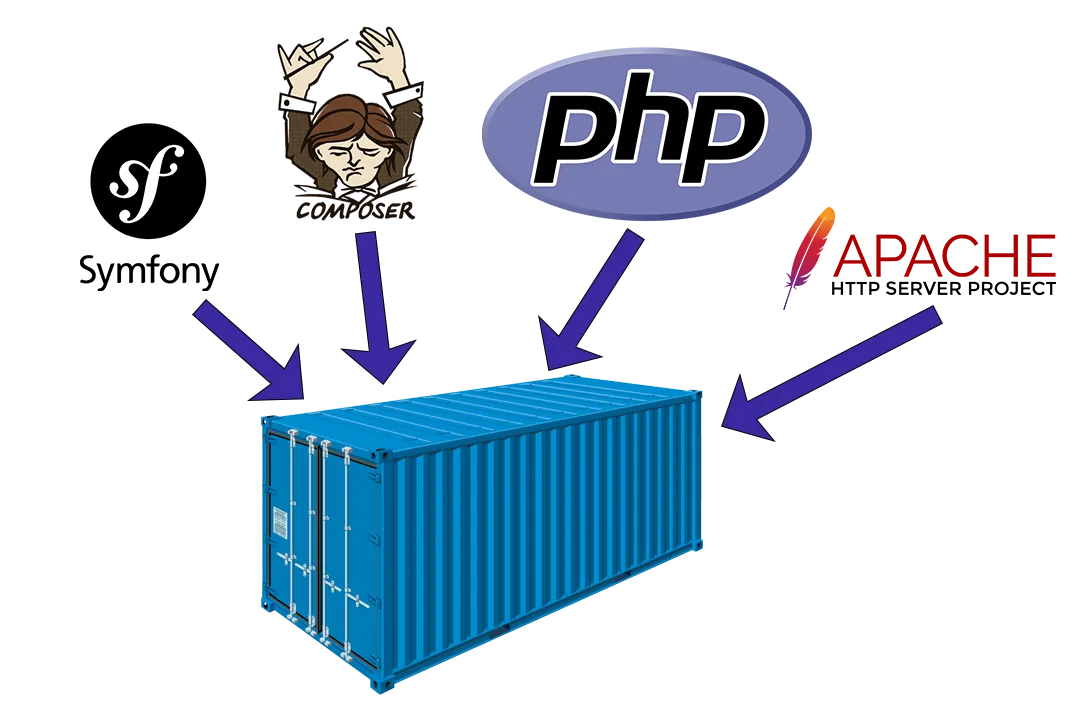
In fact, the idea of a container is to group everything you need for your project in one place, a container.
For example…
imagine you want to build a Symfony 6 web application.
So you need Symfony, Composer, PHP 8 and Apache, for example, and more depending on your needs…
But at the same time you need PHP 6, say, for another project. Annoying, right?
If you update PHP to version 8, your old project will probably stop working.
That’s where containers come in.
When you create a container, it gives you a workspace.
I’ll illustrate it so it’s clearer.
Advantages:
You can have projects with specific versions of each piece of software.
Whether for developing locally or hosting on a server, it’s great because there’s no need to rack your brain over compatibility.
Unlike a virtual machine, you don’t need to download the OS several times, so it’s better optimized.
Unlike a virtual machine, you don’t have to allocate resources for it to work properly.
The container is smart and uses what it needs by itself.
So once again, it’s more optimized.
Disadvantages:
Docker can be hard to get started with at first.
You need to know what an “image” is, how to write docker-compose files…
In short, it can take a bit of time but in the end it’s worth it.
To choose between a virtual machine and a container, it all depends on your needs.