
What is Jellyfin?
Jellyfin is an Open Source project that lets you easily build a very complete media server.
It has quite a few features such as a search bar to find your movies and series, but also an image-based display of your series, their release date, a synopsis, the various people / actors who worked on the project and even a “continue watching” section for when you started something without finishing it, and much more… What more could you ask for?
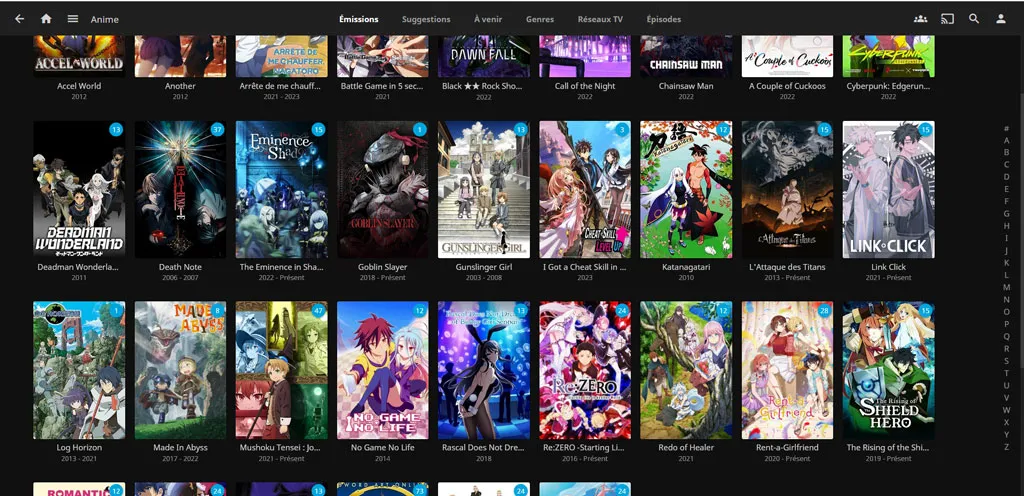
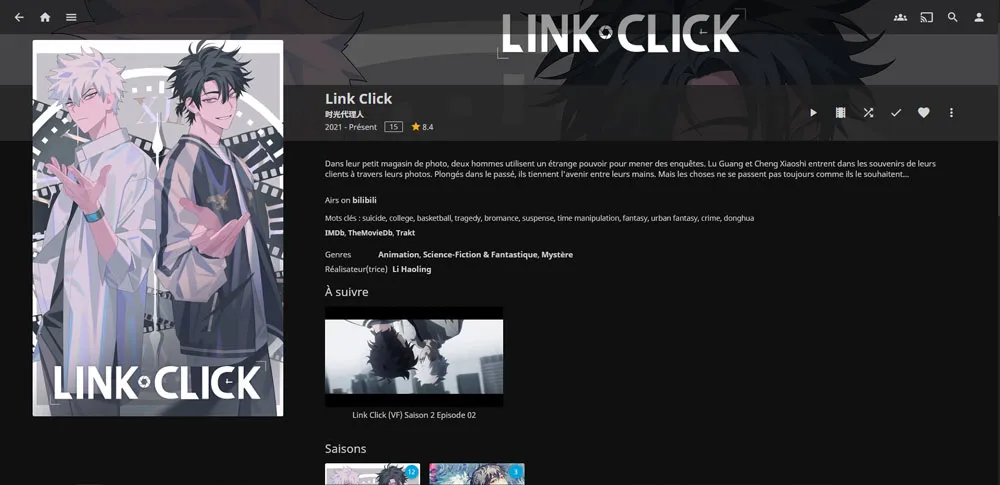
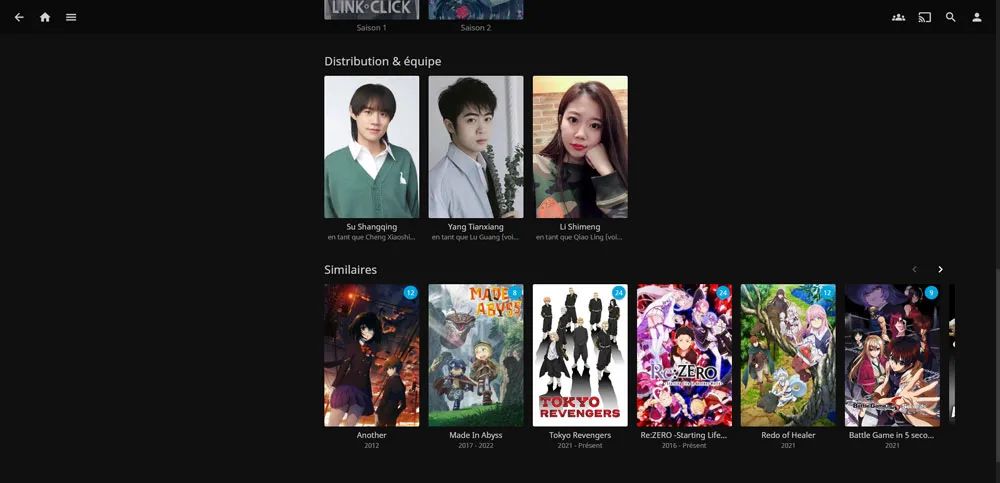

Note that it fetches all this information by itself so no hassle!
It uses metadata and retrieves information from various online libraries.
Organizing episodes by series
When you add a new library to Jellyfin (when you add a new folder containing your movies and series…), Jellyfin offers you several choices:
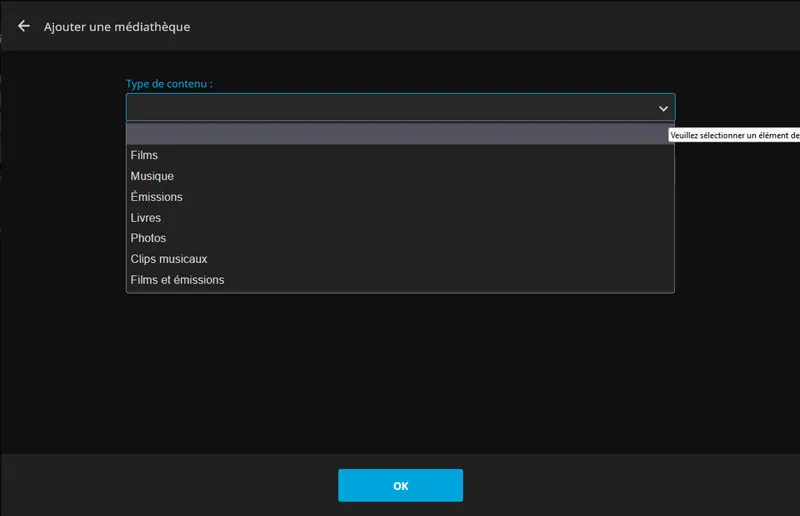
If you choose the “Movies” option, all your movies will be displayed in the main menu. Don’t choose this option for your series, otherwise it will treat each of your episodes as a full-fledged movie.
To organize your episodes by series, as I did above with my anime, you need to choose the “Shows” option.