
After the recent version updates, the way to get Docker on OpenMediaVault is no longer the same, hence this tutorial.
Install OMV Extras
Just follow this tutorial:
Install OMV-Extras
Install Docker Compose
Go to System > Plugins.
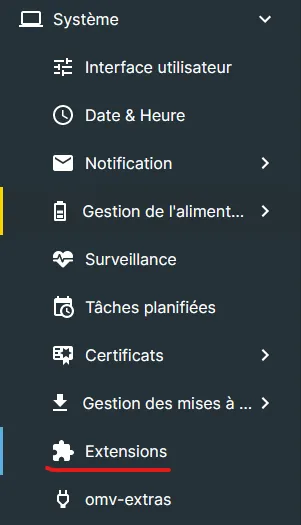
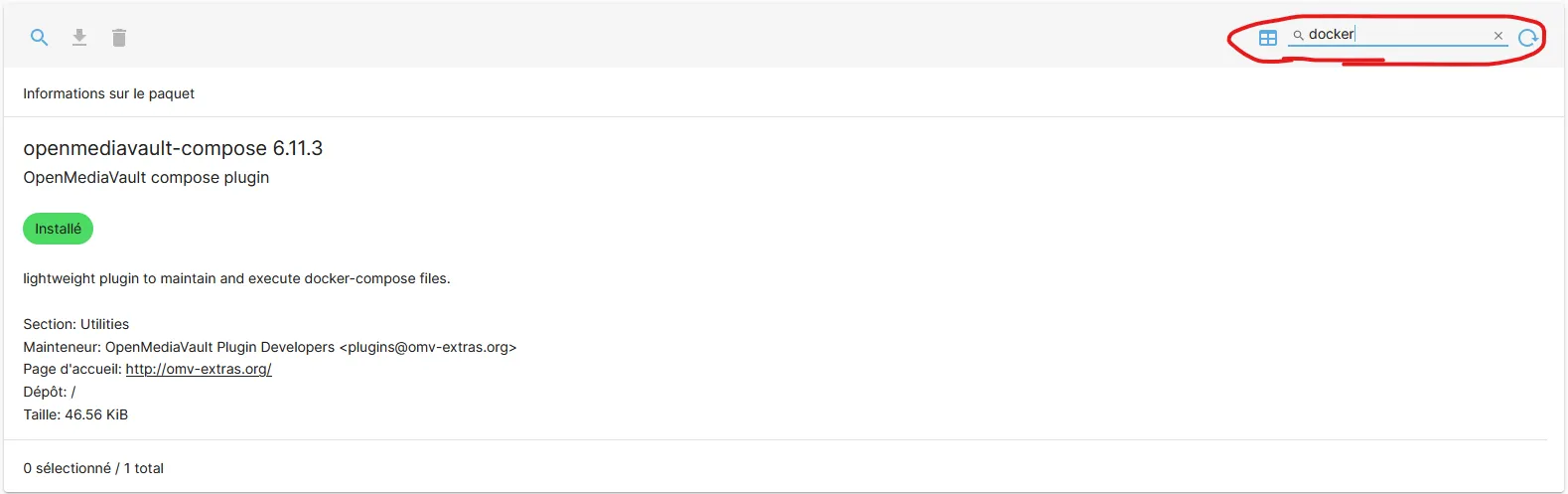
Search for Docker and install it.
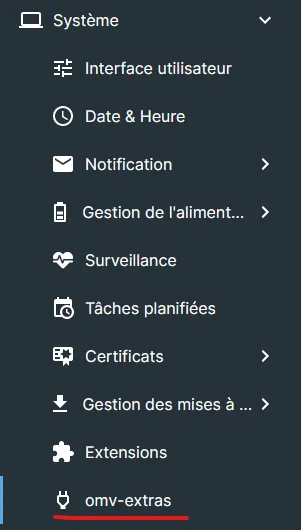
Go to System > omv-extras.
Enable the Docker repo and save.

Install Docker
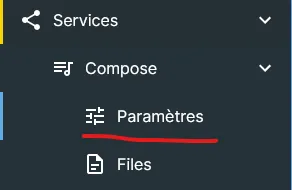
Go to Services > Compose > Settings.
There are several options, we’ll focus on Docker at the bottom of the page.
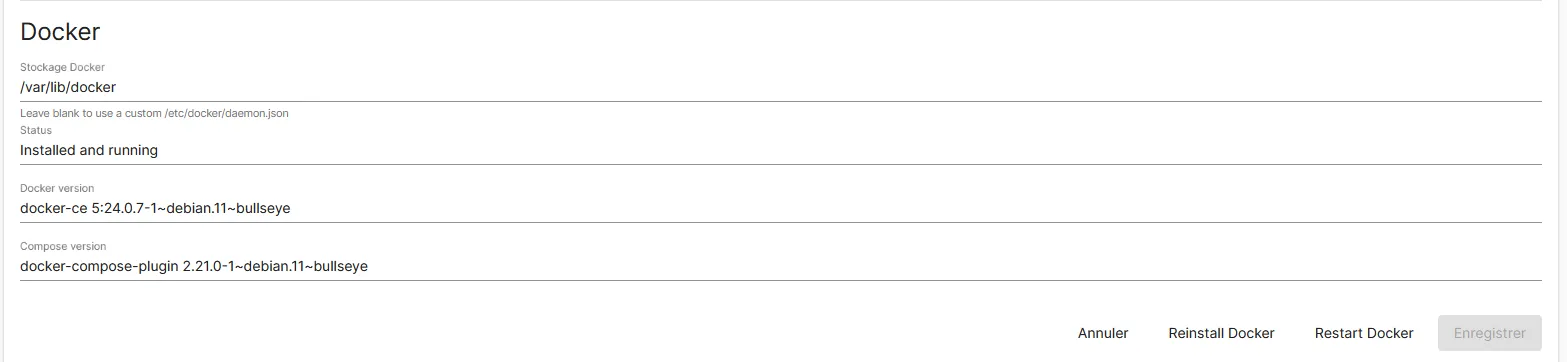
You can see “Installed and running” so everything works.
Problem?
If you tried to download Docker and Docker Compose via SSH, it doesn’t work, so you’ll need to click “Reinstall Docker” and “Restart Docker” as you can see in the previous image.
Portainer?
Don’t know how to get Portainer? First you need to connect to your server via SSH.
The following command installs Portainer, containerizes it and makes it accessible over HTTP on port 9000 and over HTTPS on port 9443.
docker run -d -p 9000:9000 -p 9443:9443 --name portainer --restart=always -v /var/run/docker.sock:/var/run/docker.sock -v portainer_data:/data portainer/portainer-ce:latest